> For the complete documentation index, see [llms.txt](https://docs.auterion.com/llms.txt). Markdown versions of documentation pages are available by appending `.md` to page URLs; this page is available as [Markdown](https://docs.auterion.com/hardware-integration/skynode/payloads/generic-usb-webcams-uvc.md).
# Generic USB Webcams (UVC)
{% hint style="warning" %}
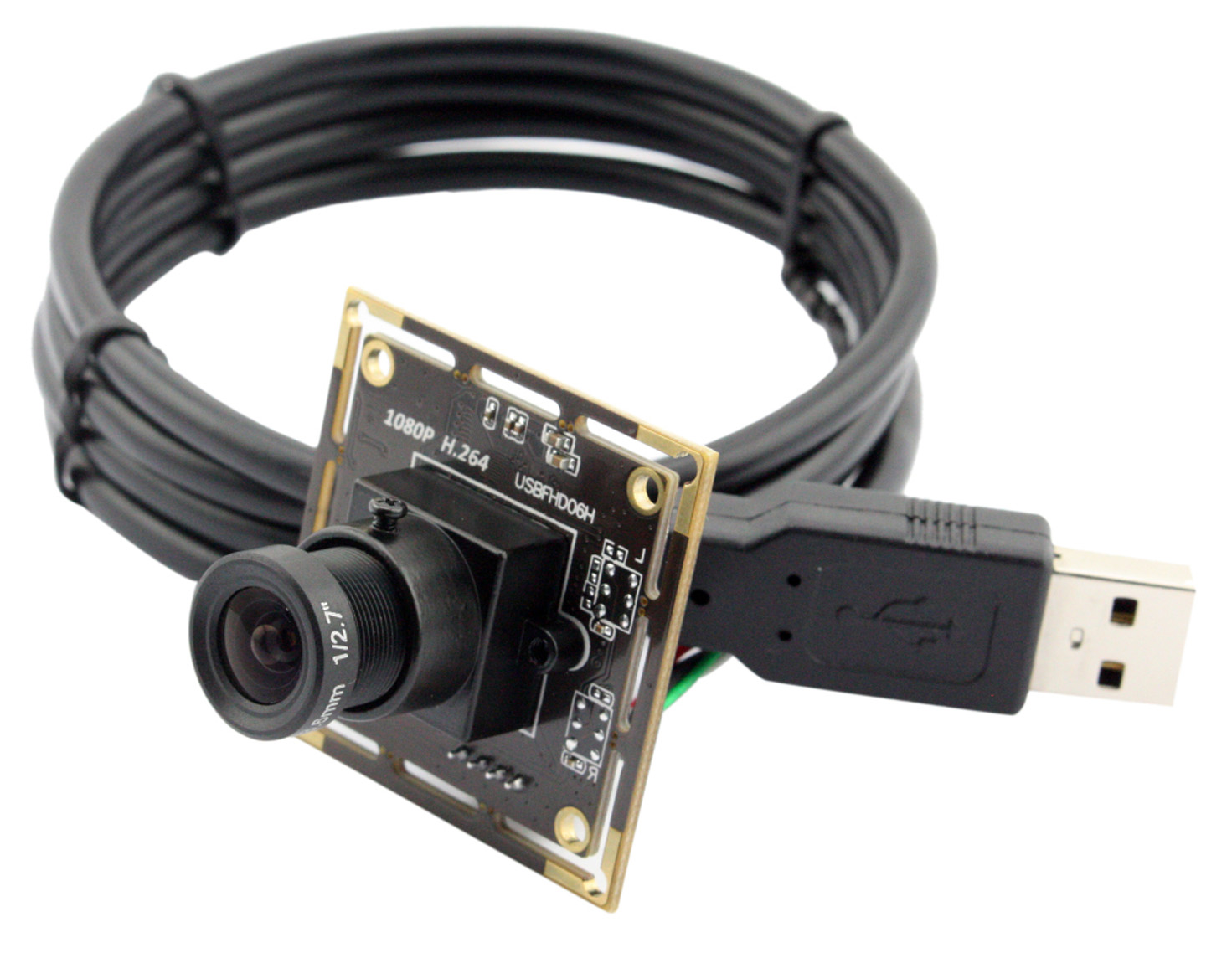
We have tested with the Runcam Webcam included in the Evaluation Kit, as well as the Sony IMX322. In general any UVC webcam should work the same way.
{% endhint %}
## What you will need for this step
* Skynode Enterprise (powered as described in [Power Skynode](/hardware-integration/skynode/evaluation-kit/powering-skynode.md))
* RunCam Webcam or Sony IMX322 camera with a matching USB cable\ 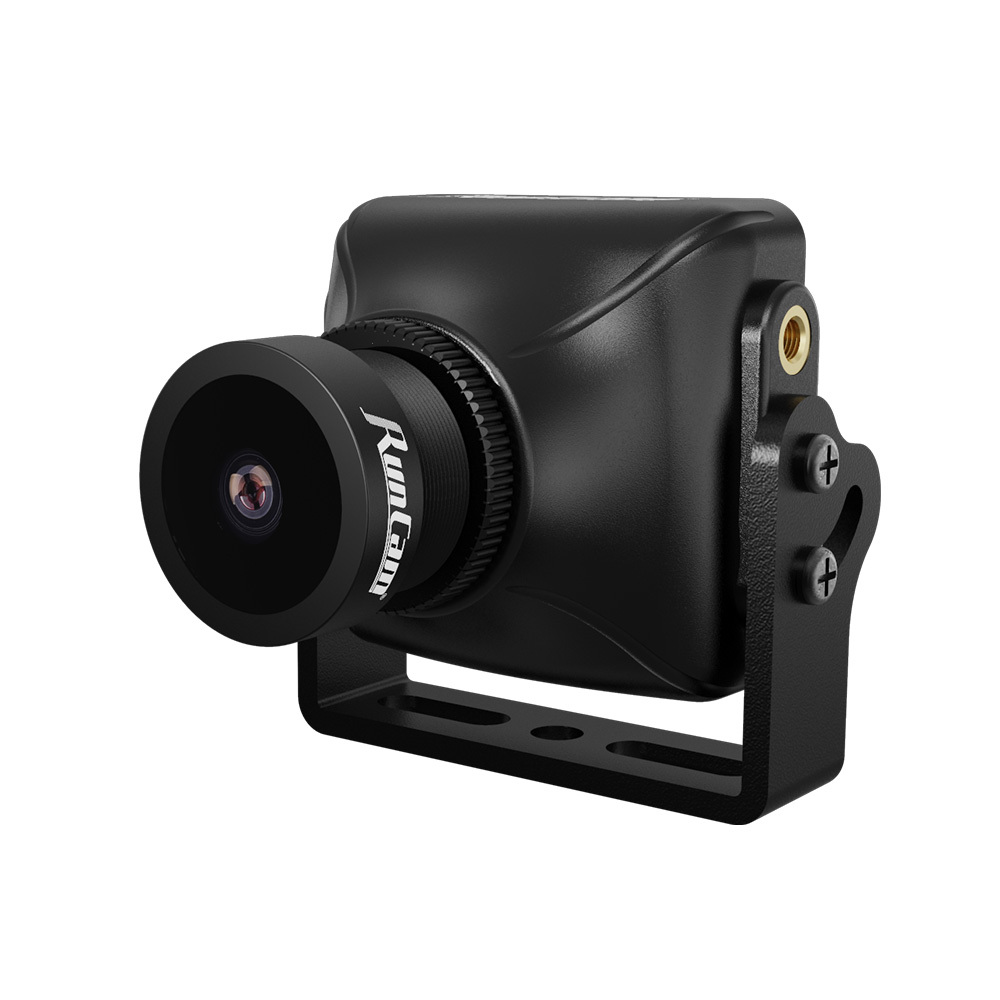
 ## Setup
1. Connect the UVC camera to one of the USB ports of Skynode.
2. Follow the instructions in [General Setup](/hardware-integration/skynode/payloads.md#general-setup-same-for-all-payloads). This section is the same for all payloads.
## Setup
1. Connect the UVC camera to one of the USB ports of Skynode.
2. Follow the instructions in [General Setup](/hardware-integration/skynode/payloads.md#general-setup-same-for-all-payloads). This section is the same for all payloads.