> For the complete documentation index, see [llms.txt](https://docs.auterion.com/llms.txt). Markdown versions of documentation pages are available by appending `.md` to page URLs; this page is available as [Markdown](https://docs.auterion.com/vehicle-operation/auterion-mission-control/ui-breakdown/fly.md).
# Fly View
## Overview
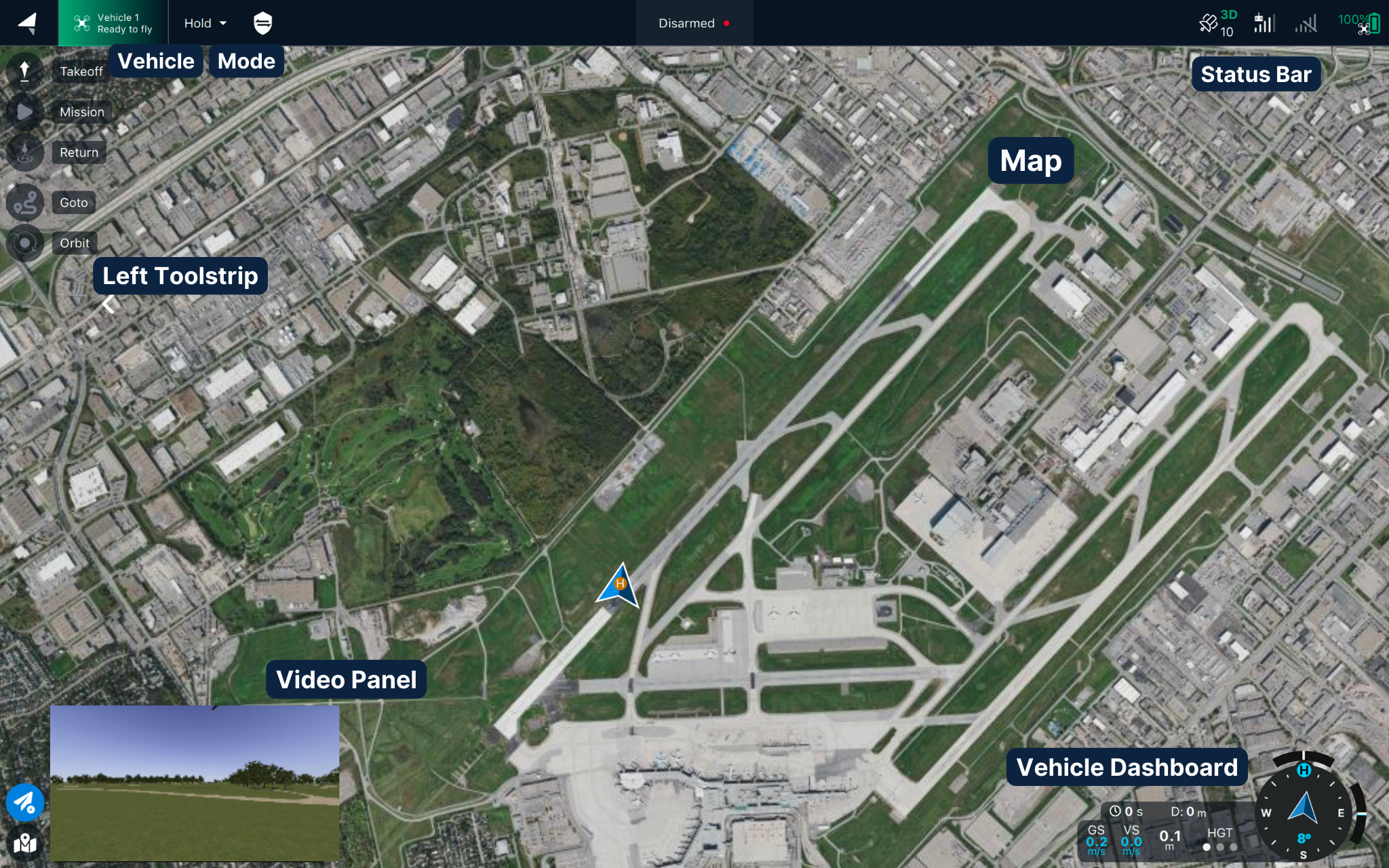
Fly View is the default view on application start. Use it to monitor and control vehicle flight.
An overview of the main UI elements in the Fly View.
{% hint style="info" %}
**Please note:** VTOLs and Multicopters have different control functions in the UI.
{% endhint %}
## Sections
### Vehicle Status Indicator
The top bar monitors high-level vehicle state and mode, and sets the current vehicle mode and armed state.
At the top of the Fly View, a bar shows the vehicle's remaining flight time. The same bar visualizes the RTL point, the position where the Vehicle will perform an automatic Return to Launch (RTL) if a battery failsafe triggers.
### **Vehicle Overview Menu**
Access the Vehicle Overview Menu by tapping the vehicle icon on the top bar. It contains the vehicle notification page and two additional submenus: **Sensors** and **Active Tasks and Connectivity**.
### Flight mode selector
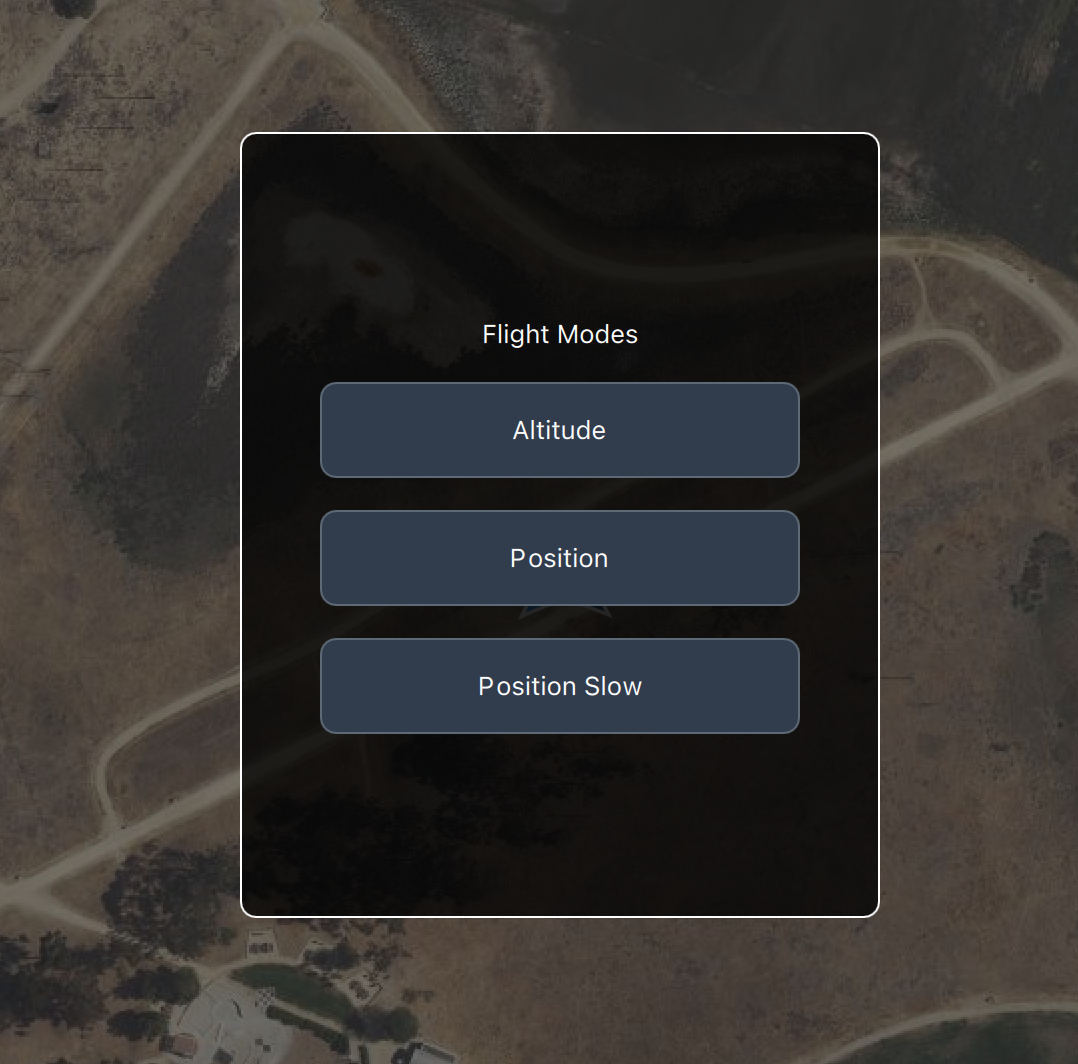
#### Multirotors
AMC lets you select one of three flight modes supported by PX4: **Altitude**, **Position**, and [**Position Slow**](https://docs.auterion.com/release-notes/flight-control/apx4-2.7/apx4-2.7.25#multicopter-position-slow-mode).
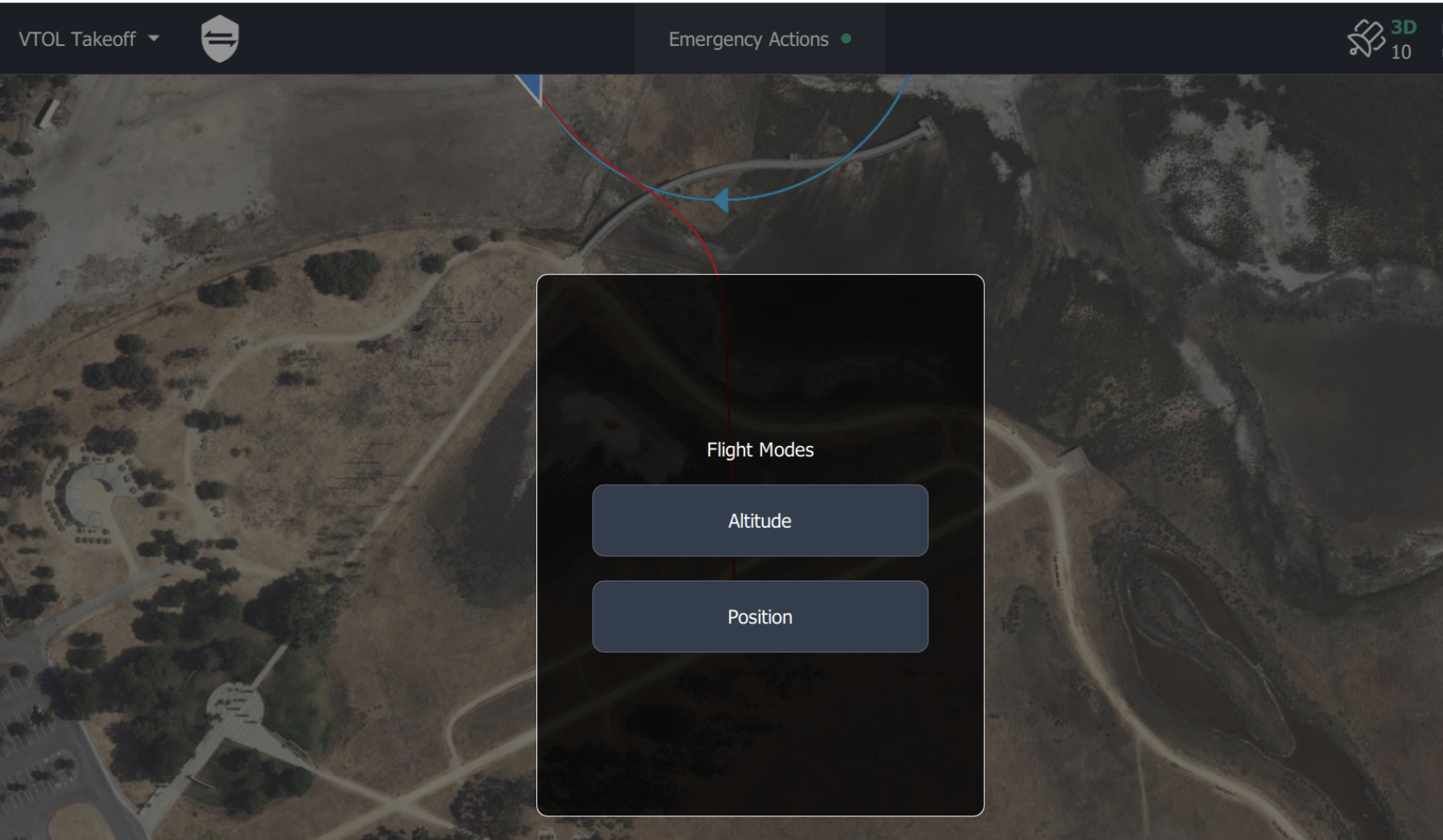
#### VTOLs
*Mission Control* allows you to select either of the two safest and easiest flight modes: Altitude and Position mode.
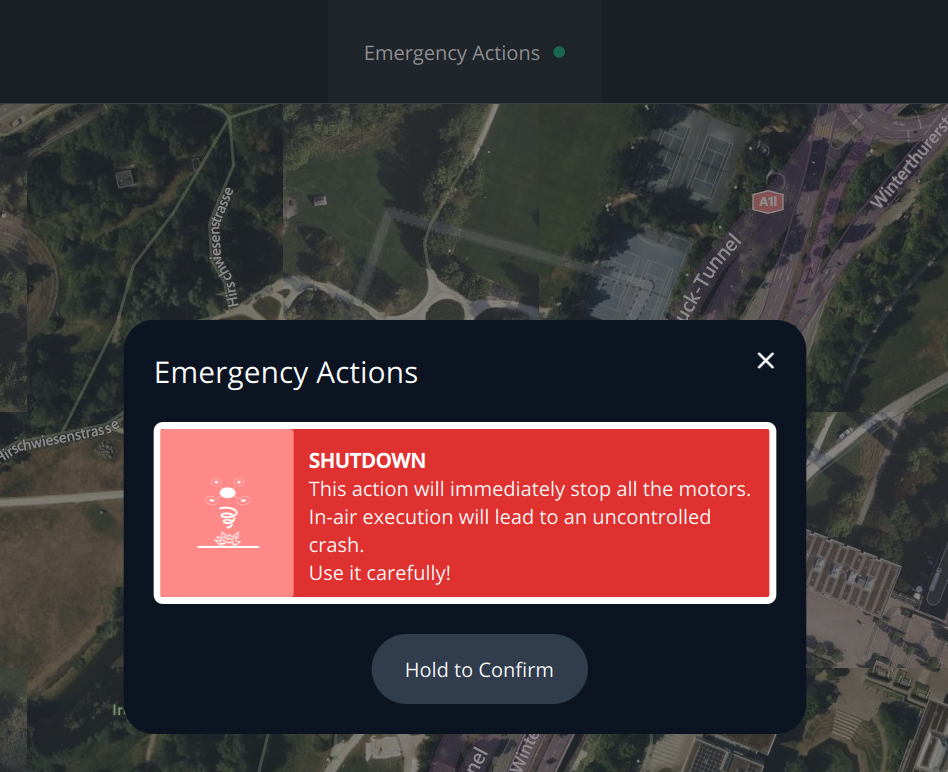
## Vehicle status and emergency actions
In case of dangerous situations, it is possible to immediately switch off the motors of the vehicle at any time in-flight. This will result in an uncontrolled descend. Make sure to only use it in case there is no other option left.
## **Vehicle status bar**
The vehicle status indicators show the GPS status, Radio Link quality, LTE connectivity and the aircraft battery status.
Further details are accessible by tapping on the status icons.
## **Sidebar**
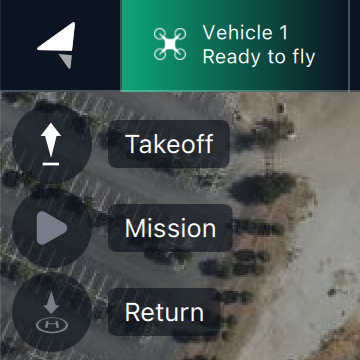
[**The sidebar**](/vehicle-operation/auterion-mission-control/ui-breakdown/fly/quick-actions-sidebar.md) allows you to interact with the vehicle and perform operations. You can find three quick actions: *takeoff*, s\_tart a mission\_ and *return to launch*.
**At the bottom, you can find two submenus which contain extra tools.**
By clicking on it you can access extra functions: *vehicle actions* (go to, orbit) and map actions (load KMLs and different measurement tools).
**The compass rose** is another crucial component of the fly view. It provides real-time information on the orientation and altitude of the vehicle. It helps users to navigate and control the vehicle more easily.
## **Fly Tools**
The [fly tools](/vehicle-operation/auterion-mission-control/ui-breakdown/fly/quick-actions-sidebar.md) are used to execute most flight and pre-flight operations. The toolbar only displays valid tool options for the current vehicle state (invalid options are hidden or greyed out).
Actions must be confirmed by holding the Confirm button before they will be executed.
Confirmation prompts are displayed in the bottom center of the map (*if* an altitude can be set for an operation, a vertical slider will be displayed at the same time).

## **Map**
[**Map Navigation**](/vehicle-operation/auterion-mission-control/ui-breakdown/fly/flight-map.md)
Interacting with the map is possible through the common pan and zooming gestures.

## **Video Switcher**
The [video switcher](/vehicle-operation/auterion-mission-control/ui-breakdown/fly/camera-and-gimbal-controls.md#video-switcher) at the bottom left of the map displays video feed from a connected camera. Tap anywhere in the widget to toggle the video to full screen (the map appears in the switcher).
.png?alt=media)
{% hint style="info" %}
The switcher is only visible if enabled in the *Application Settings*. Several other UI features are only available if the video is displayed full screen (e.g. camera controls).
{% endhint %}
The switcher can be resized, minimized or undocked. Select/hover on the switcher to see the options.

## **Camera & Gimbal Controls**
The [Camera and Gimbal controls](/vehicle-operation/auterion-mission-control/ui-breakdown/fly/camera-and-gimbal-controls.md#camera-and-gimbal-controls) are used to capture images or video, change where the camera is pointing, and zoom in/out. They also display available memory and provide access to other settings.

{% hint style="info" %}
The camera and gimbal controls are only visible when there is a connected camera and video is displayed *full screen* (using the [video switcher](#video-switcher)).
{% endhint %}
## Notifications
*Important* notifications coming from the vehicle are displayed in a highly visible popup. Where possible notifications include both the cause of a problem and any actions that should be taken.

The topics in this section explain common flight operations, including:
* [Pre-flight Checklist](broken://pages/AOp54mFdfdODZI8hjeso)
* [Monitoring the flight](/vehicle-operation/auterion-mission-control/ui-breakdown/fly/monitoring-the-flight.md)
* [Flying missions](/vehicle-operation/auterion-mission-control/ui-breakdown/fly/flying-a-mission.md)
* [Flying manually](/vehicle-operation/auterion-mission-control/ui-breakdown/fly/flying-manually-rc-control.md)



.png?alt=media)