> For the complete documentation index, see [llms.txt](https://docs.auterion.com/llms.txt). Markdown versions of documentation pages are available by appending `.md` to page URLs; this page is available as [Markdown](https://docs.auterion.com/vehicle-operation/auterion-mission-control/ui-breakdown/user-account.md).
# Pilot Login
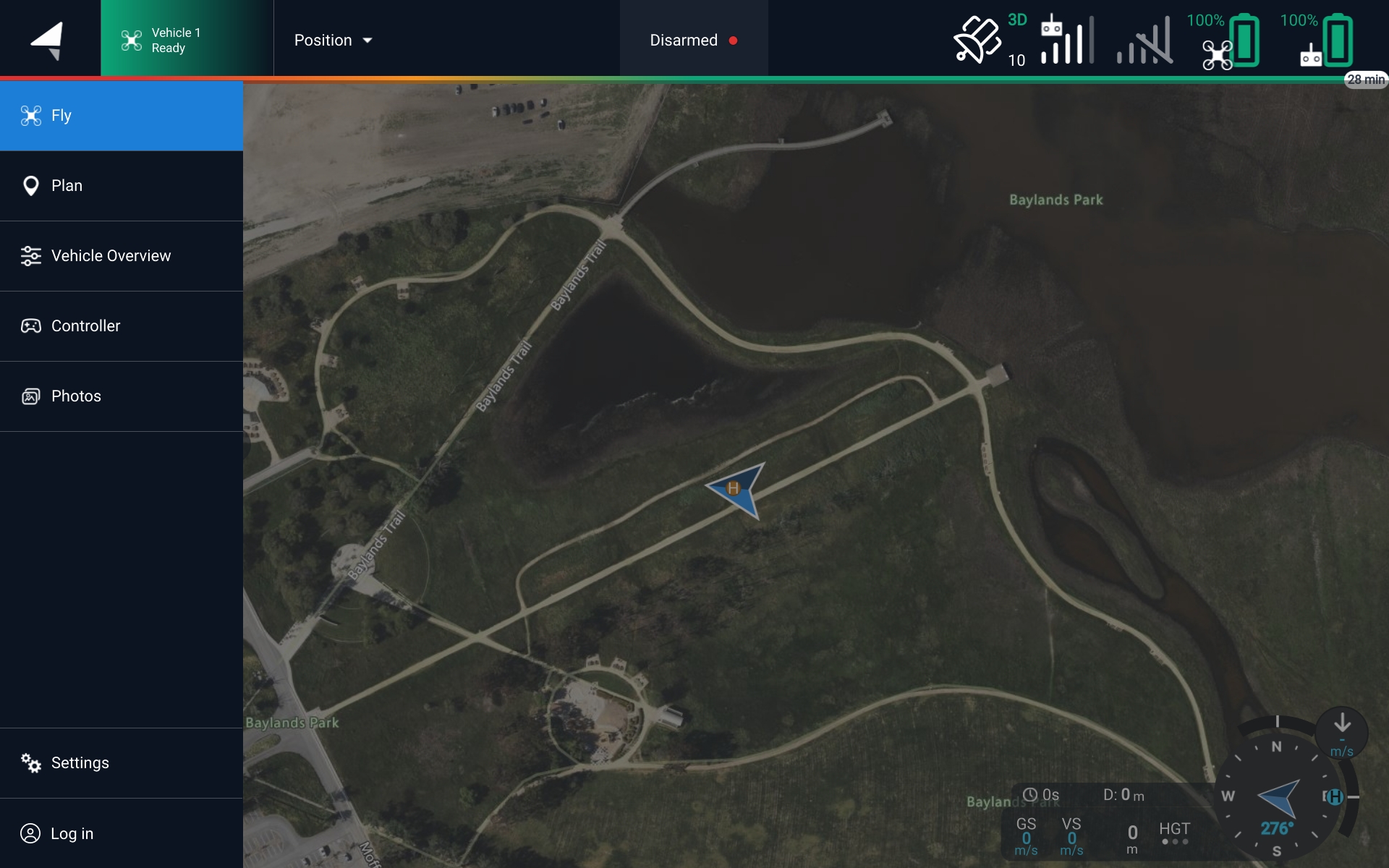
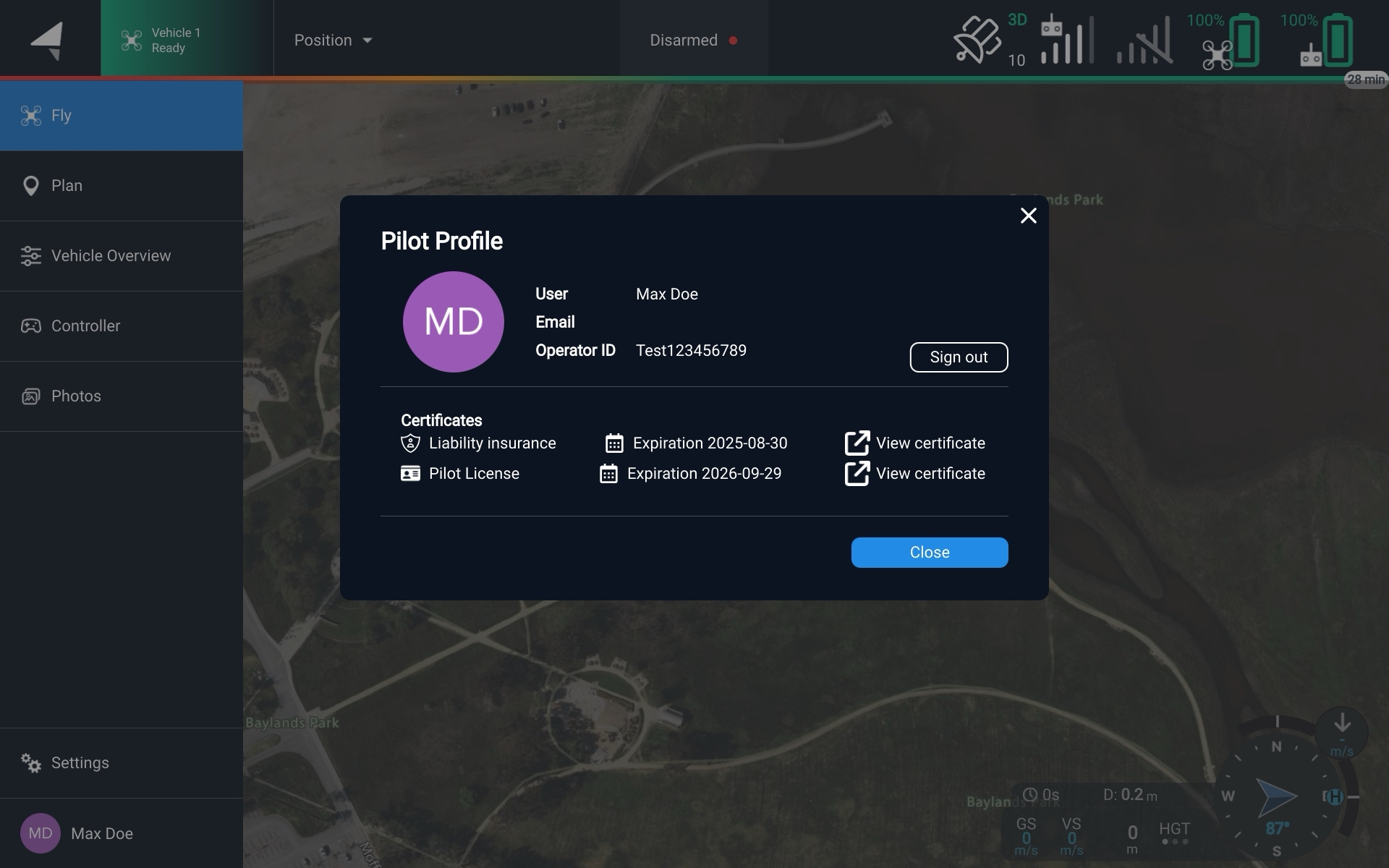
The **User account** menu is accessible from the main left toolbar. It can be used to log in/log out of the current pilot from Auterion Mission Control.
User account tab
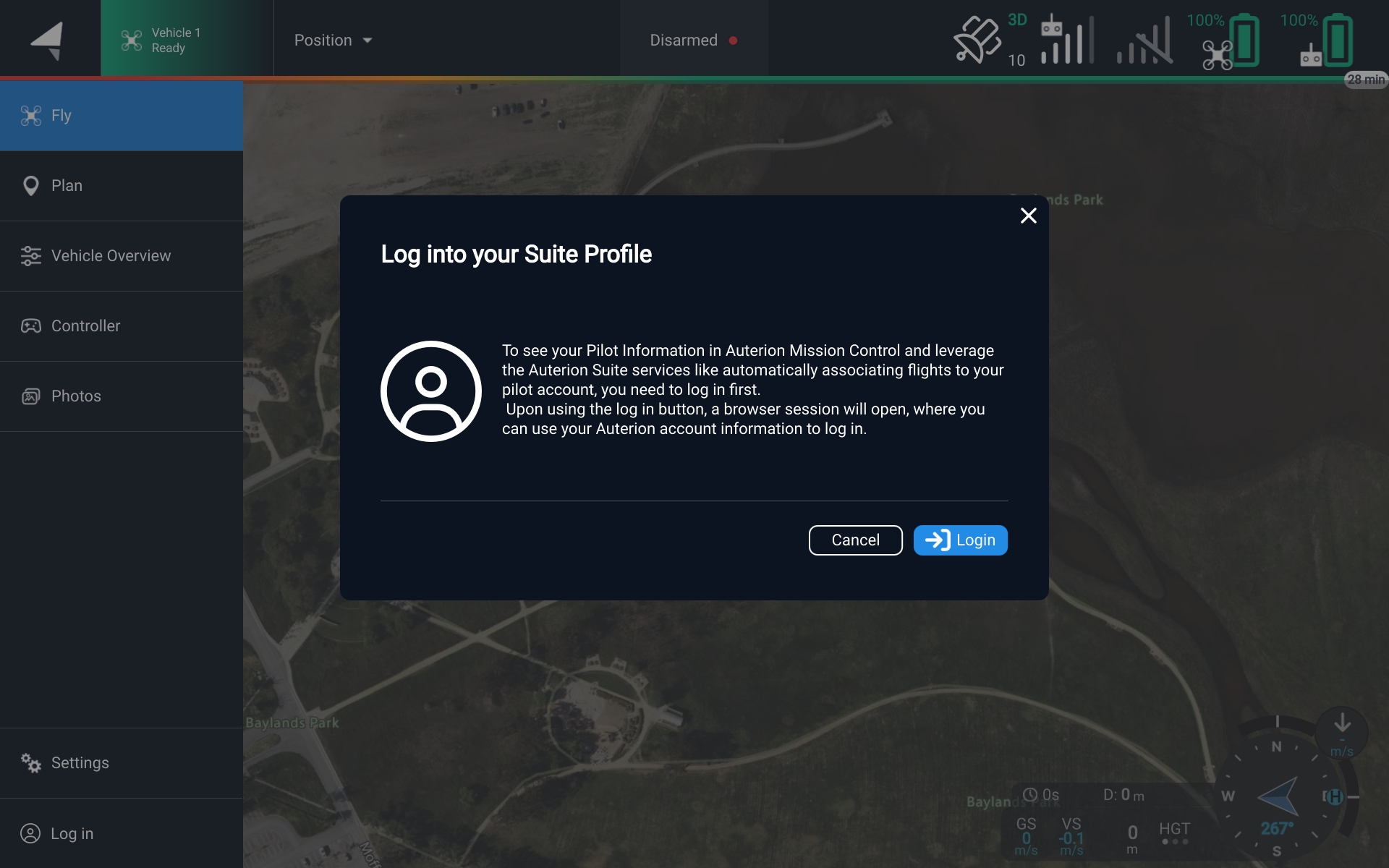
Pilots can log in to their Suite account directly from AMC. This enables automatic pilot flight hours tracking in the Auterion Suite.
{% hint style="info" %}
Login to your Auterion online account so that *Auterion Suite* stores the correct pilot information for your flights.
{% endhint %}
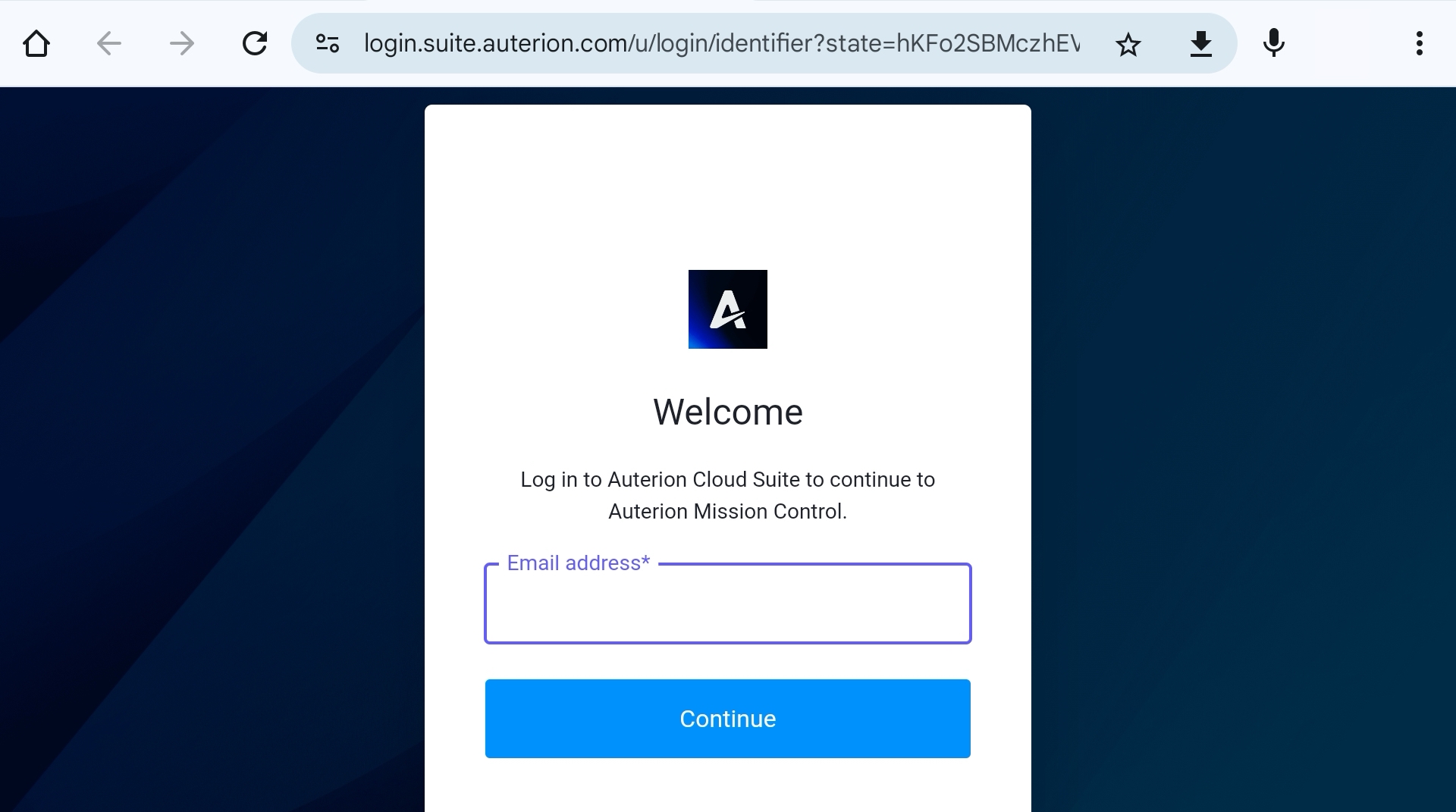
**When logging in or out you'll be directed to your default browser:**
1. Login to your Auterion account
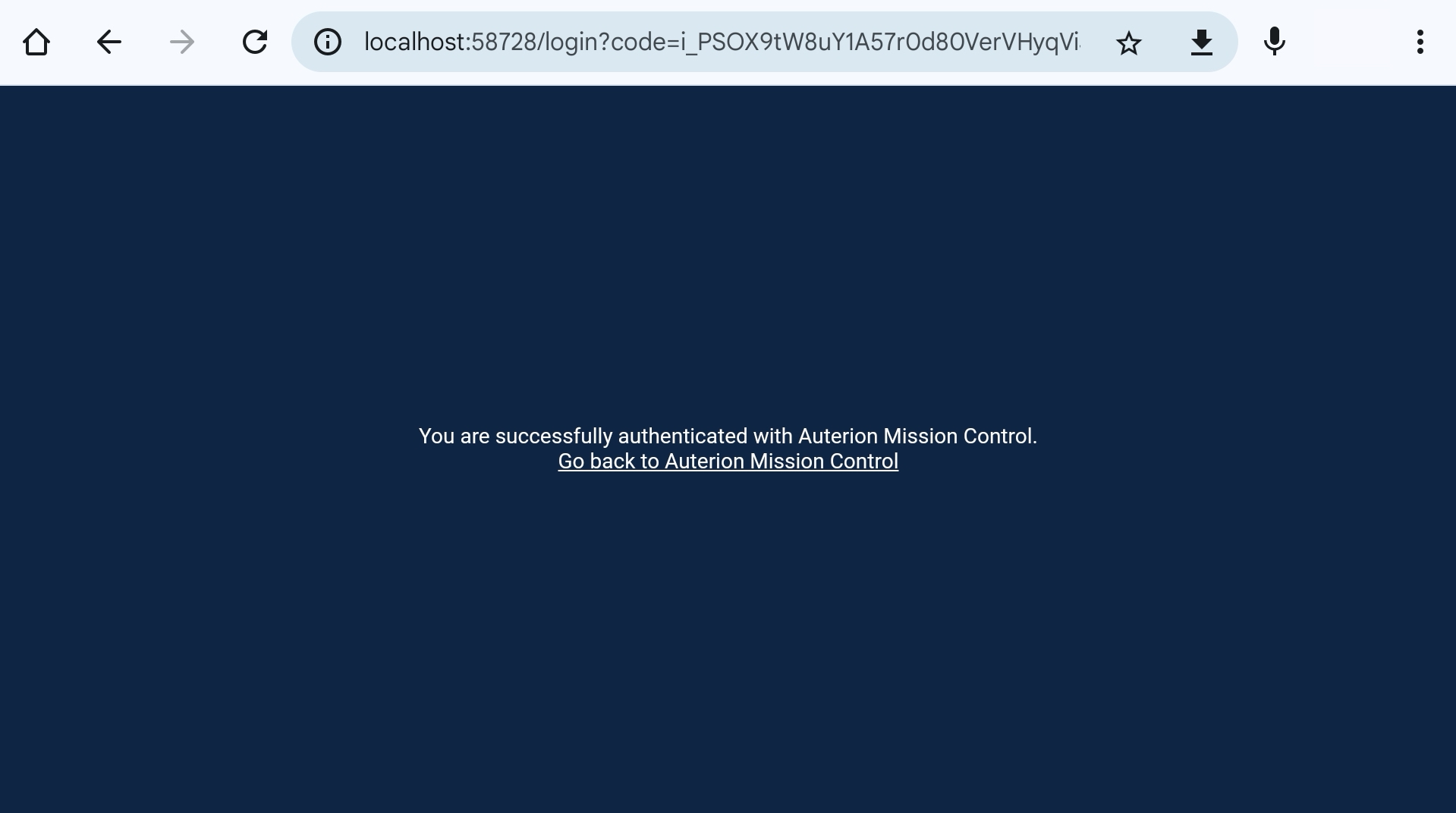
2. Authorize access to Mission Control if needed
3. Open Mission Control (which will now show you as logged in
You will now have access to your certificates and can use the [Mission Cloud Sync](/vehicle-operation/auterion-suite-fleet-management/mission-planning/mission-cloud-sync.md).