> For the complete documentation index, see [llms.txt](https://docs.auterion.com/llms.txt). Markdown versions of documentation pages are available by appending `.md` to page URLs; this page is available as [Markdown](https://docs.auterion.com/readme.md).

# Welcome

## Getting Started

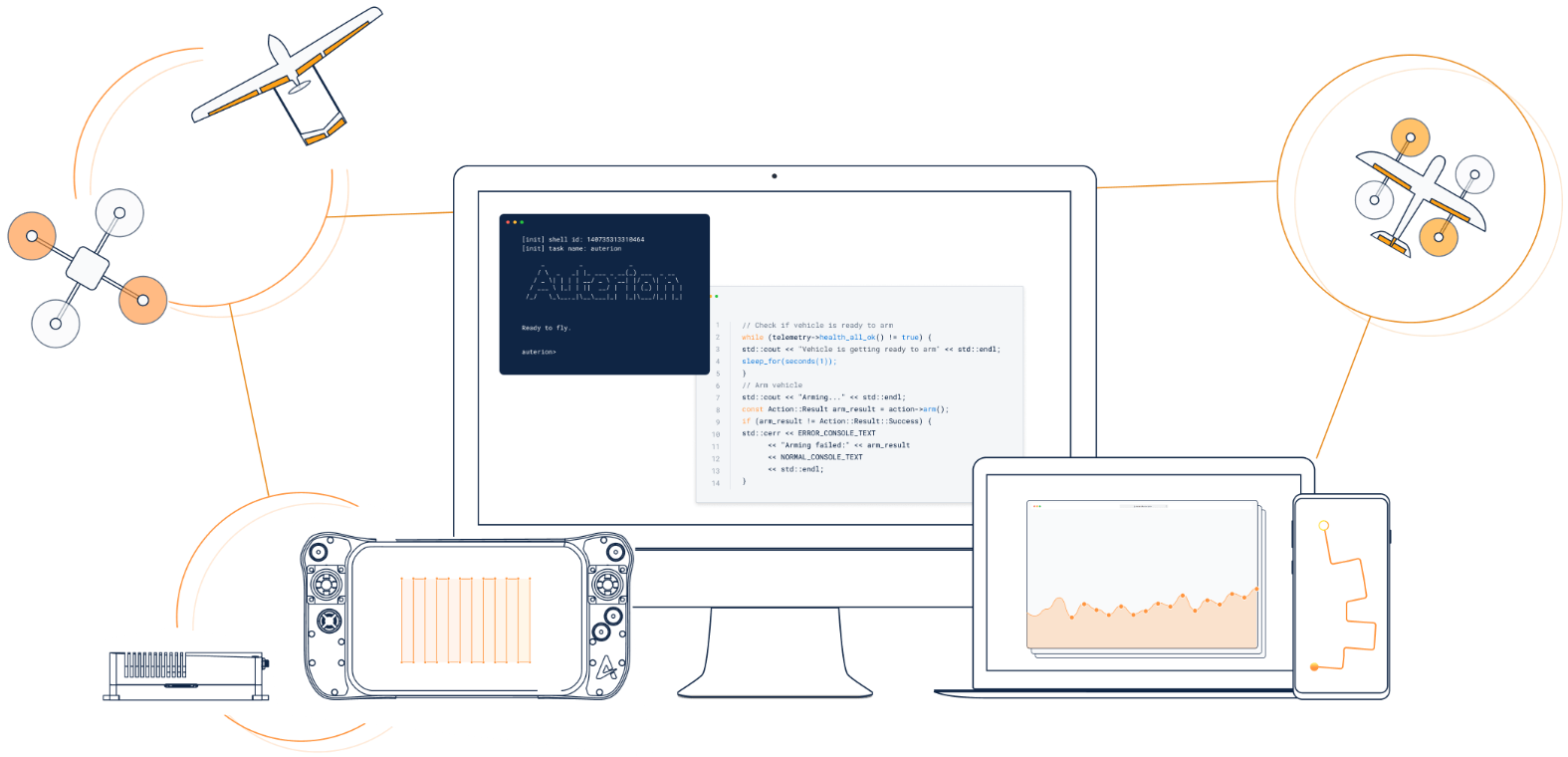
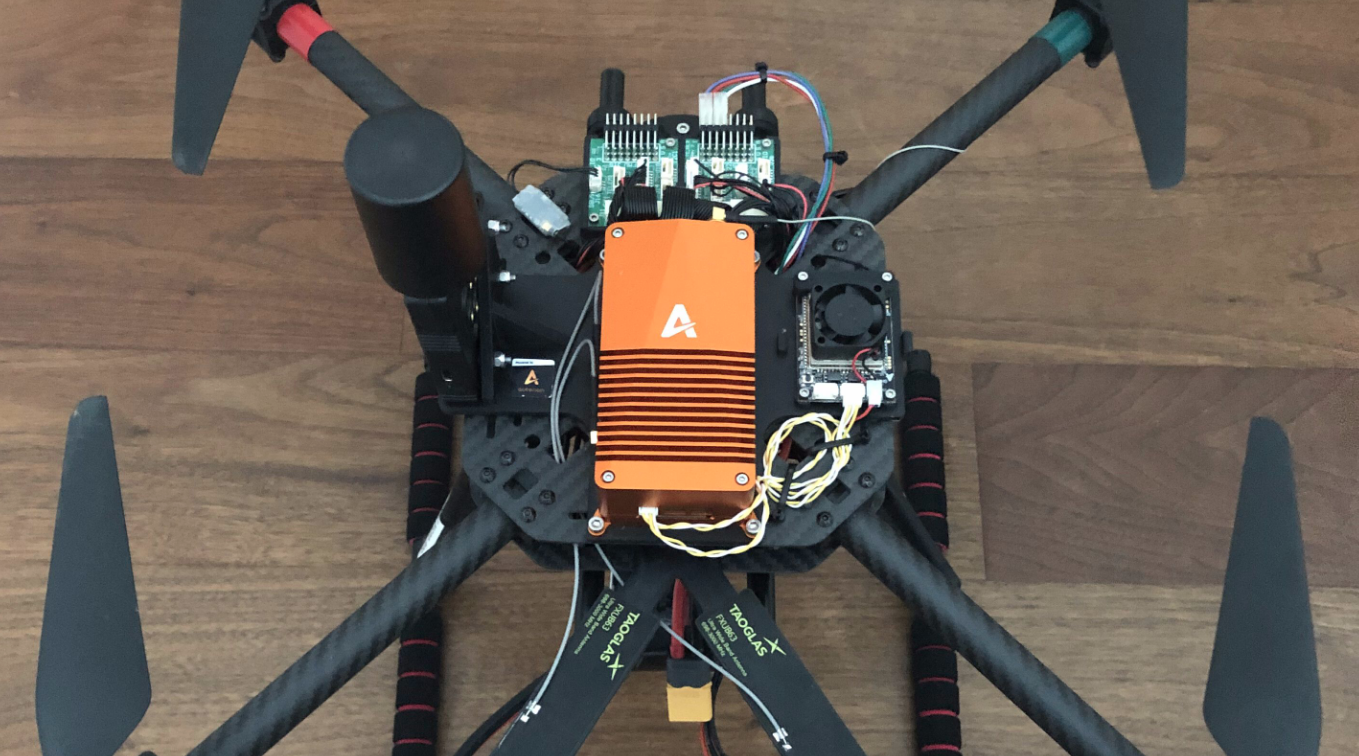
<table data-view="cards" data-full-width="false"><thead><tr><th></th><th></th><th data-hidden data-card-cover data-type="files"></th><th data-hidden data-card-target data-type="content-ref"></th></tr></thead><tbody><tr><td><h4><strong>Auterion Suite and Mission Control</strong></h4></td><td>Set up Auterion Suite and Auterion Mission Control to manage your fleet and plan missions.</td><td><a href="/files/DuqndHd5JbBSc6ooDDXQ">/files/DuqndHd5JbBSc6ooDDXQ</a></td><td><a href="/pages/2vJQOdTASowm4t1sobAt">/pages/2vJQOdTASowm4t1sobAt</a></td></tr><tr><td><h4><strong>Develop Applications for AuterionOS</strong></h4></td><td>Join the developer program and build custom applications for AuterionOS.</td><td><a href="/files/1I4rPhrjy3bUITCheBTd">/files/1I4rPhrjy3bUITCheBTd</a></td><td><a href="/pages/7XZrLaKIHijyMxQGEhpp">/pages/7XZrLaKIHijyMxQGEhpp</a></td></tr><tr><td><h4><strong>Hardware Integration and Configuration</strong></h4></td><td>Integrate and configure hardware components to build and deploy a vehicle.</td><td><a href="/files/aJjfphr1gAKNJu6Eq6PL">/files/aJjfphr1gAKNJu6Eq6PL</a></td><td><a href="/pages/QVszkkCJT2tgjz7MhLJc">/pages/QVszkkCJT2tgjz7MhLJc</a></td></tr></tbody></table>

## FAQ

### General

<details>

<summary><strong>How do I get started with Auterion?</strong></summary>

If your vehicle runs AuterionOS, start with the [Quickstart](/auterion-sign-up.md) guide and install the required software. To purchase Skynode hardware or for other inquiries, [contact the sales team](https://auterion.com/company/contact-us/).

</details>

<details>

<summary><strong>Does Auterion offer paid support?</strong></summary>

Yes. [Contact the Auterion sales team](https://auterion.com/company/contact-us/) to discuss support options.

</details>

### Technical Questions

<details>

<summary><strong>How do I create a Skynode diagnostic report?</strong></summary>

Open the vehicles [WebUI](/vehicle-operation/settings-and-maintenance/vehicle-dashboard.md) and navigate to **Diagnostics** → **Download Report**.

</details>

<details>

<summary><strong>How do I factory reset a Skynode?</strong></summary>

Open the vehicle's [WebUI](/vehicle-operation/settings-and-maintenance/vehicle-dashboard.md) and navigate to **Diagnostics** → **Reset**.

{% hint style="warning" %}
A factory reset removes all custom data and user applications, and clears the Auterion Suite activation.
{% endhint %}

</details>

<details>

<summary><strong>How do I power Skynode S?</strong></summary>

Skynode S supports two power input methods:

* USB-C interface
* ESC interface

{% hint style="warning" %}
Use the ESC interface to ensure connected peripherals receive sufficient power. Although Skynode S can boot from USB-C alone, this method does not provide enough power for peripheral devices.
{% endhint %}

</details>

<details>

<summary><strong>How do I register a vehicle on Auterion Suite?</strong></summary>

Complete the AMC Onboarding wizard to register your vehicle in Auterion Suite. See the [Quickstart guide](/auterion-sign-up.md) for full setup instructions.

</details>

<details>

<summary><strong>Which version of AMC should I use?</strong></summary>

Use the latest public release, available in the Suite Store and tagged as **Recommended**.&#x20;

To ensure compatibility between AMC, AuterionOS, and APX4, refer to the **Bundles** section in the Suite Store.

</details>

<details>

<summary><strong>How do I access AuterionOS via SSH?</strong></summary>

Use the `ssh` command to connect to devices running AuterionOS. Default credentials are the same for all devices.

<table data-view="cards"><thead><tr><th>Device</th><th>IP Address</th><th>Username</th><th>Password</th><th>Development Connection</th><th>SSH Command</th><th>Password</th></tr></thead><tbody><tr><td>Skynode</td><td>10.41.1.1</td><td>root</td><td>auterion</td><td>USB-C</td><td><pre><code>ssh root@10.41.1.1
</code></pre></td><td><pre><code>auterion
</code></pre></td></tr><tr><td>AI Node</td><td>10.41.2.1</td><td>root</td><td>auterion</td><td>micro-USB</td><td><pre><code>ssh root@10.41.2.1
</code></pre></td><td><pre><code>auterion
</code></pre></td></tr></tbody></table>

</details>

<details>

<summary><strong>What programming languages do I need to know to develop apps?</strong></summary>

Apps are generally developed using C++ or Python.

</details>

## Still have questions? <a href="#still-have-questions" id="still-have-questions"></a>

For questions about the software platform, partnerships, or to request a demo, contact us directly.

<a href="https://auterion.com/company/contact-us/" class="button primary">Contact us</a>

#### If you have an Auterion Suite Account

With an Auterion Suite account, you can submit support requests and access product documentation under the [**Help and Support**](https://suite.auterion.com/help) menu in Suite.

<figure><img src="/files/gQc4k50mURhfEcLN7wYp" alt=""><figcaption></figcaption></figure>
