> For the complete documentation index, see [llms.txt](https://docs.auterion.com/llms.txt). Markdown versions of documentation pages are available by appending `.md` to page URLs; this page is available as [Markdown](https://docs.auterion.com/hardware-integration/skynode/evaluation-kit/sensors.md).
# Sensors and Peripherals
{% hint style="danger" %}
The following sensors and peripherals are not sold by Auterion.
{% endhint %}
Alongside the evaluation kit, it is possible to get different sensors that help to better understand and demonstrate Skynode's capabilities. In this chapter a short guide to set up and test these sensors is presented. Just go to the page of the sensor you want to connect and follow the instructions to easily get it connected to Skynode.
{% hint style="warning" %}
Please ensure that you remove the power from Skynode before connecting or disconnecting any peripherals
{% endhint %}
| USB Camera
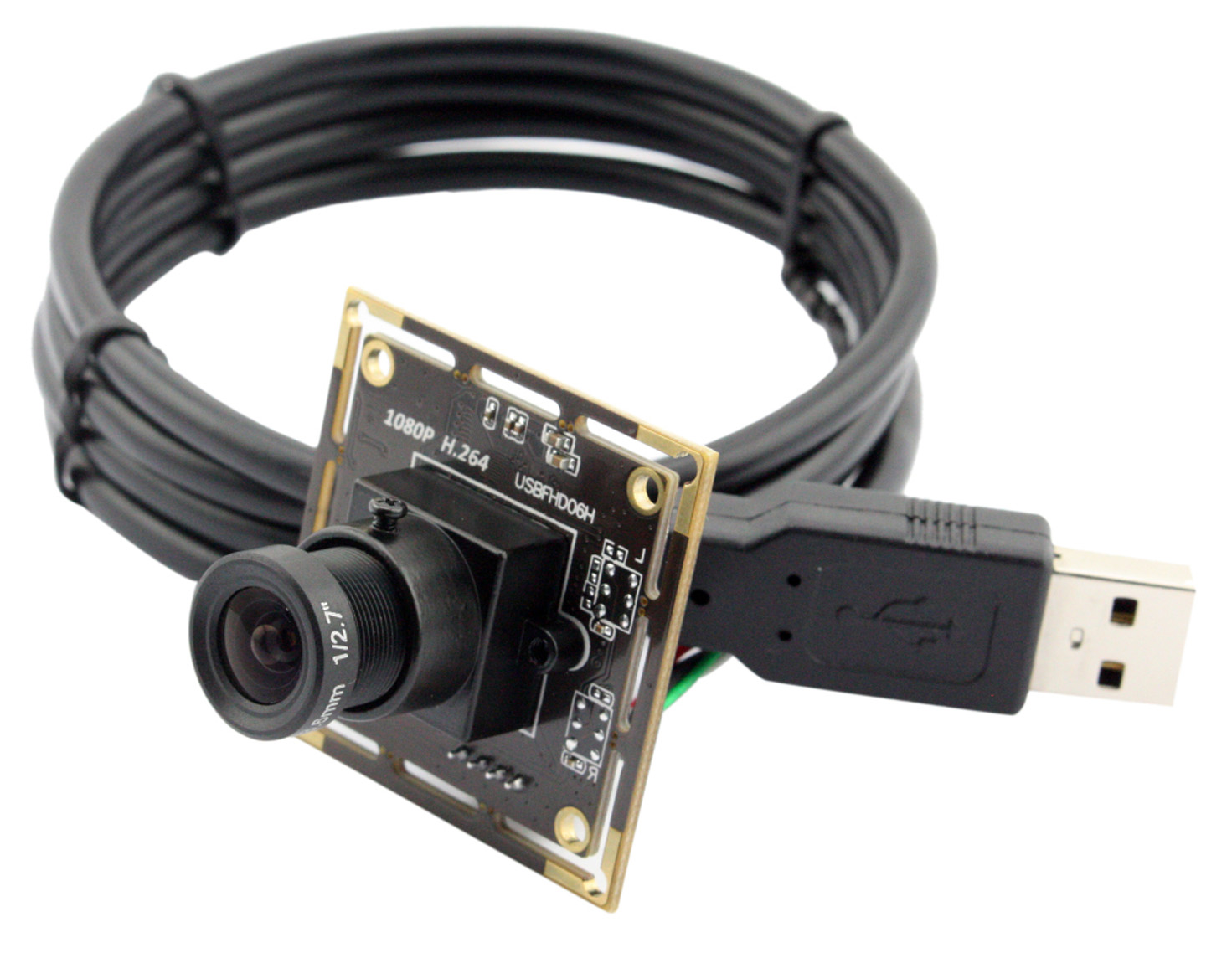
|
GPS Sensor
.png?alt=media)
|
| :---------------------------------------------------------------------------------------------------------------------------------------------------------------------------------------------------------------------------------------------------------------------------------------------------------------------------------------------------------------------: | :----------------------------------------------------------------------------------------------------------------------------------------------------------------------------------------------------------------------------------------------------------------------------------------------------------------------------------------------------------------------------: |
| LIDAR Sensor
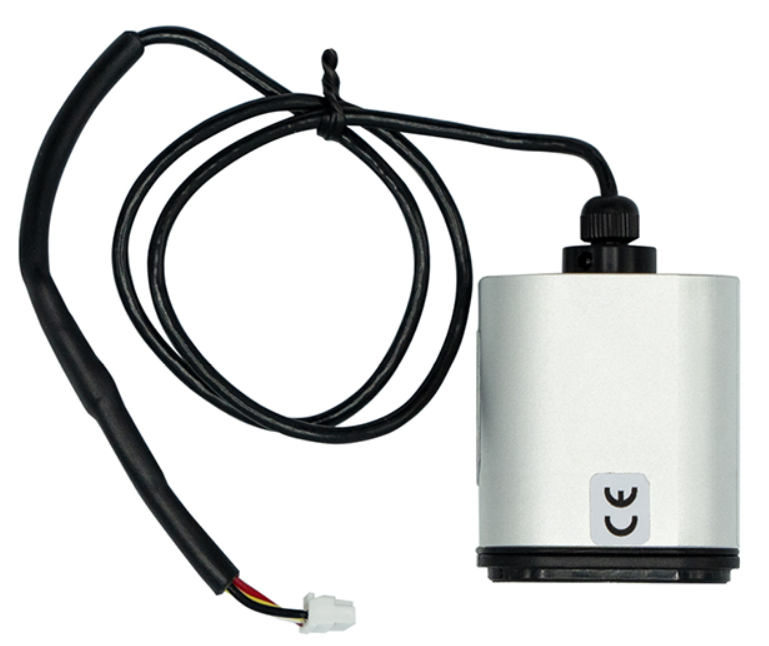
| Airspeed Sensor

|