> For the complete documentation index, see [llms.txt](https://docs.auterion.com/llms.txt). Markdown versions of documentation pages are available by appending `.md` to page URLs; this page is available as [Markdown](https://docs.auterion.com/vehicle-operation/auterion-mission-control/ui-breakdown/fly/flight-map.md).
# Flight Map
### Map Markers/Icons
| **Icon** | **Name** | **Description** |
| --------------------------------------------------------------------------------------------------------------------------------------------------------------------------------------------------------------------------------------------- | ------------------------------------------------------------------------------------------------------------------------------------------- | ------------------------------------------------------------------------------------------------------------------------------------- |
|  | **Home** | Home location. This is location where vehicle first gets acceptable position lock. Usually this is the arming location/takeoff point. |
|  | **Waypoint** | *Waypoint* is an advanced flight planning option that allows to create flight paths and execute them automatically. |
|  | **Orbit** | Orbit map-action target (center of planned orbit). |
| | **GoTo** | Goto map-action target location. |
|  | [**POI here**](/vehicle-operation/auterion-mission-control/ui-breakdown/fly/flying-manually-rc-control.md#region-of-interest-position-mode) | Position mode POI target location. |
### Flight Path and Vehicle's direction
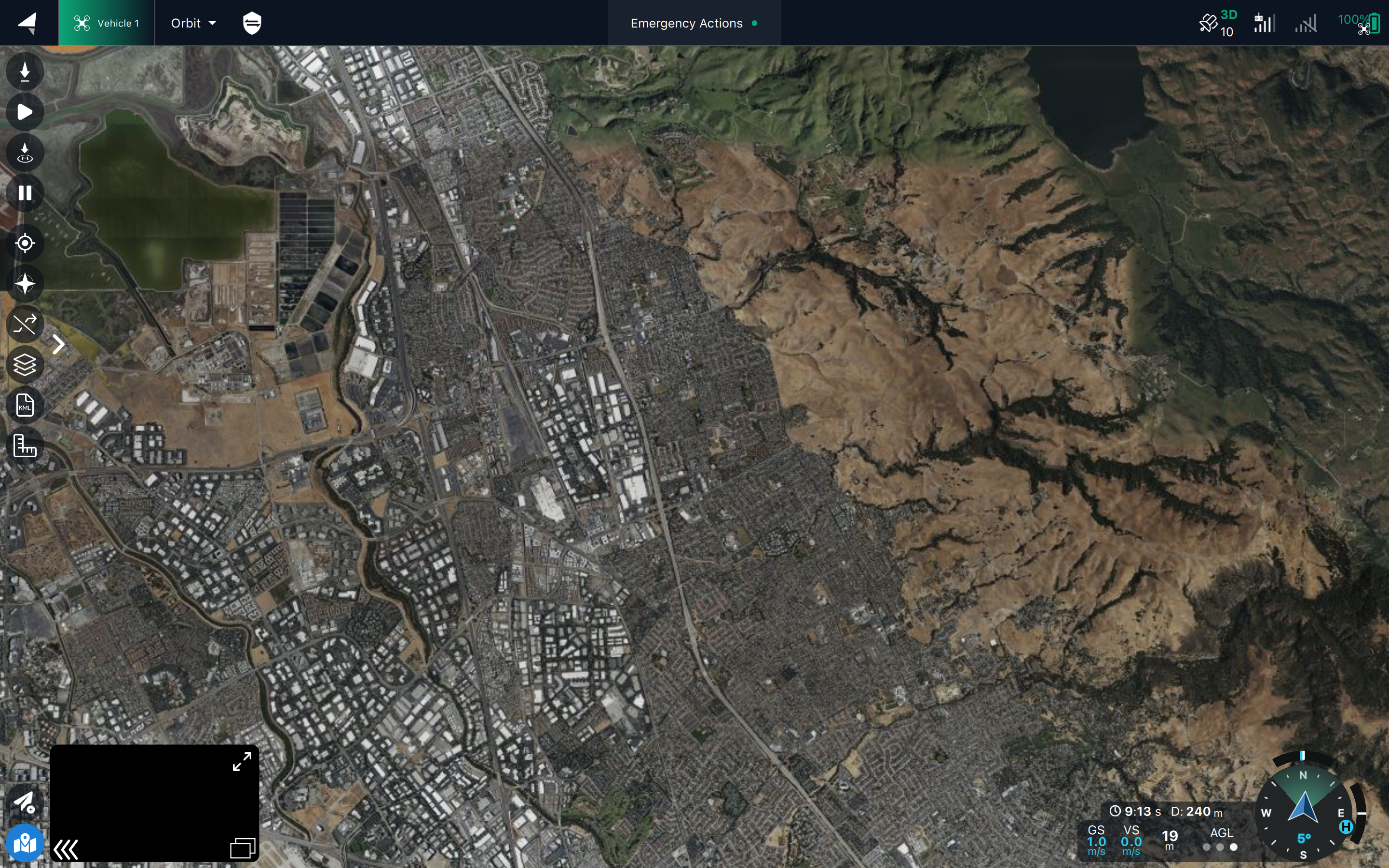
The map shows the vehicle current position, home position, the direction it is facing (which may be different from where it is heading). It also shows the recent flight path (in red) and the expected path if one is defined (e.g. a goto or orbit destination, or the mission path).

### Map Grid (MGRS)
It is possible to enable MGRS coordinates overlay by toggling the checkbox available in **Settings > General > Fly View > Display MGRS coordinates**.
 | **GoTo** | Goto map-action target location. |
|  | [**POI here**](/vehicle-operation/auterion-mission-control/ui-breakdown/fly/flying-manually-rc-control.md#region-of-interest-position-mode) | Position mode POI target location. |
### Flight Path and Vehicle's direction
The map shows the vehicle current position, home position, the direction it is facing (which may be different from where it is heading). It also shows the recent flight path (in red) and the expected path if one is defined (e.g. a goto or orbit destination, or the mission path).

### Map Grid (MGRS)
It is possible to enable MGRS coordinates overlay by toggling the checkbox available in **Settings > General > Fly View > Display MGRS coordinates**.
| **GoTo** | Goto map-action target location. |
|  | [**POI here**](/vehicle-operation/auterion-mission-control/ui-breakdown/fly/flying-manually-rc-control.md#region-of-interest-position-mode) | Position mode POI target location. |
### Flight Path and Vehicle's direction
The map shows the vehicle current position, home position, the direction it is facing (which may be different from where it is heading). It also shows the recent flight path (in red) and the expected path if one is defined (e.g. a goto or orbit destination, or the mission path).

### Map Grid (MGRS)
It is possible to enable MGRS coordinates overlay by toggling the checkbox available in **Settings > General > Fly View > Display MGRS coordinates**.
.png?alt=media)