> For the complete documentation index, see [llms.txt](https://docs.auterion.com/llms.txt). Markdown versions of documentation pages are available by appending `.md` to page URLs; this page is available as [Markdown](https://docs.auterion.com/vehicle-operation/auterion-mission-control/useful-resources/maps-and-custom-overlays/import-geo-awareness-data-or-kml-overlays.md).
# Import Geo-Awareness data or KML overlays
This feature enables you to upload visual geographic data as .json or .kml files, providing the user with detailed information about designated flight areas and applicable restrictions.
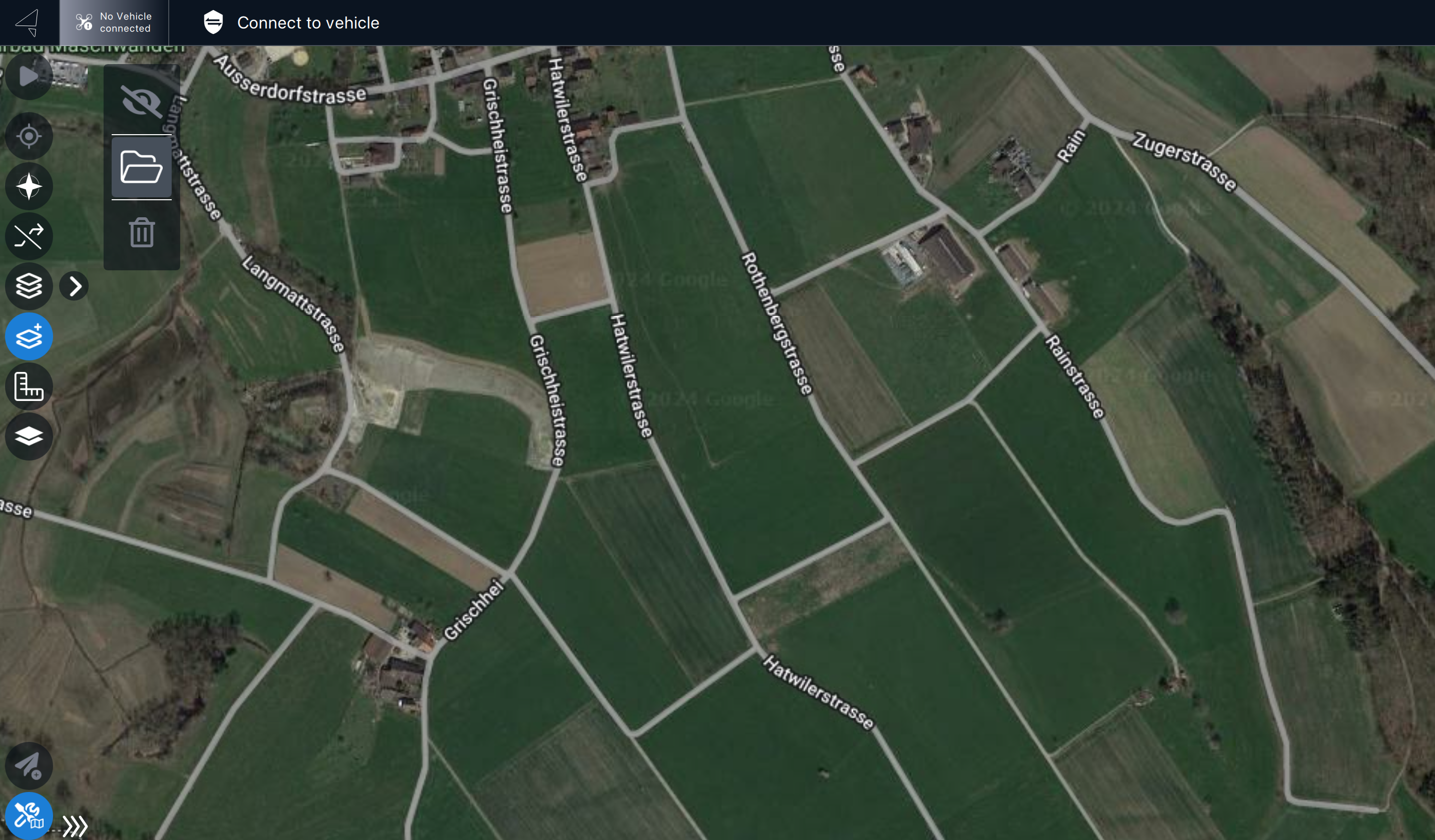
## Loading Geo.json or .kml files to Auterion Mission Control
1. Navigate to the ***Fly View*** and select ***Map Tools***.
2. Choose **Map Overlays** from the available options.
3. Select the desired file (.json or .kml) stored on your computer or GCS.
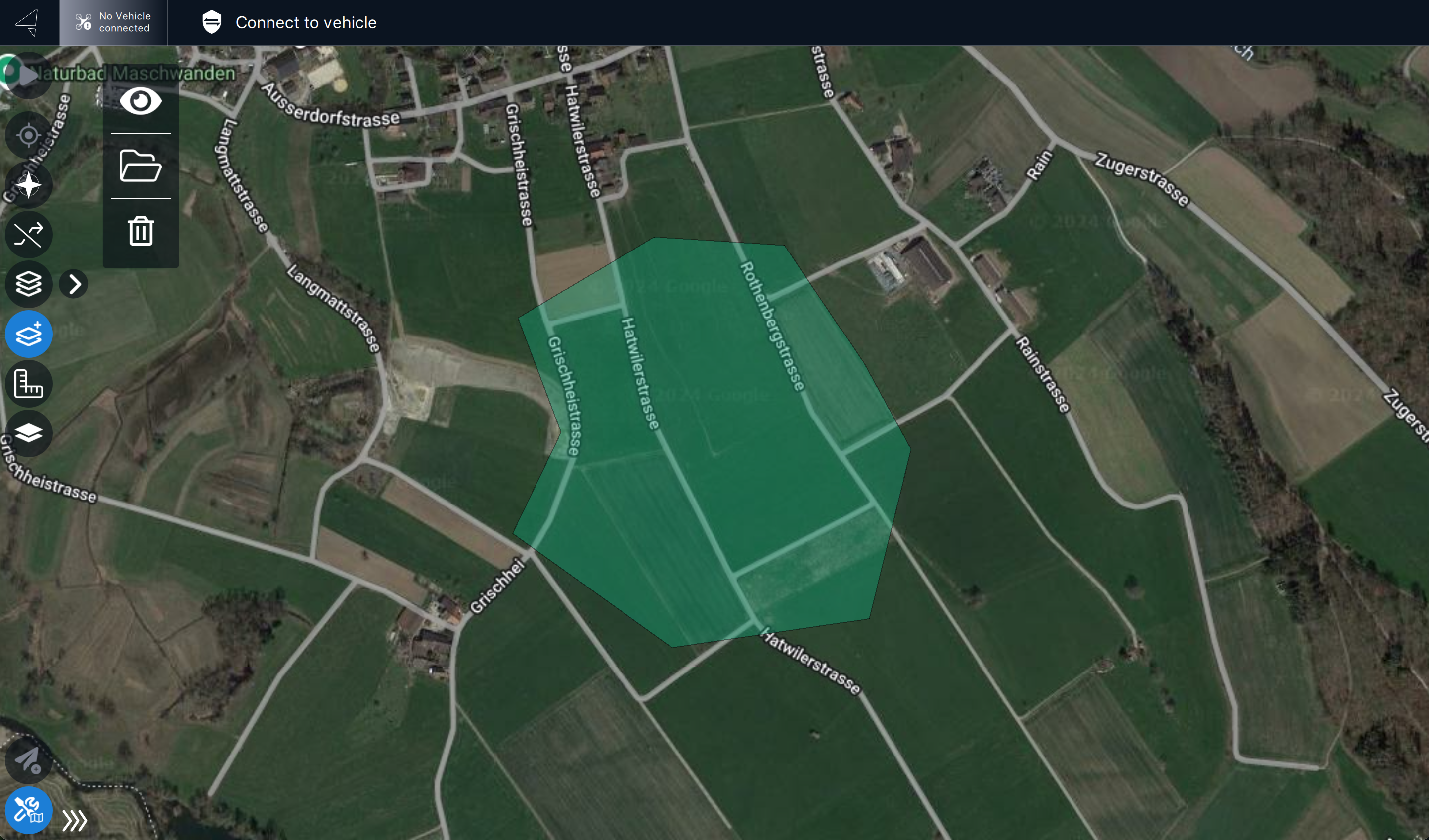
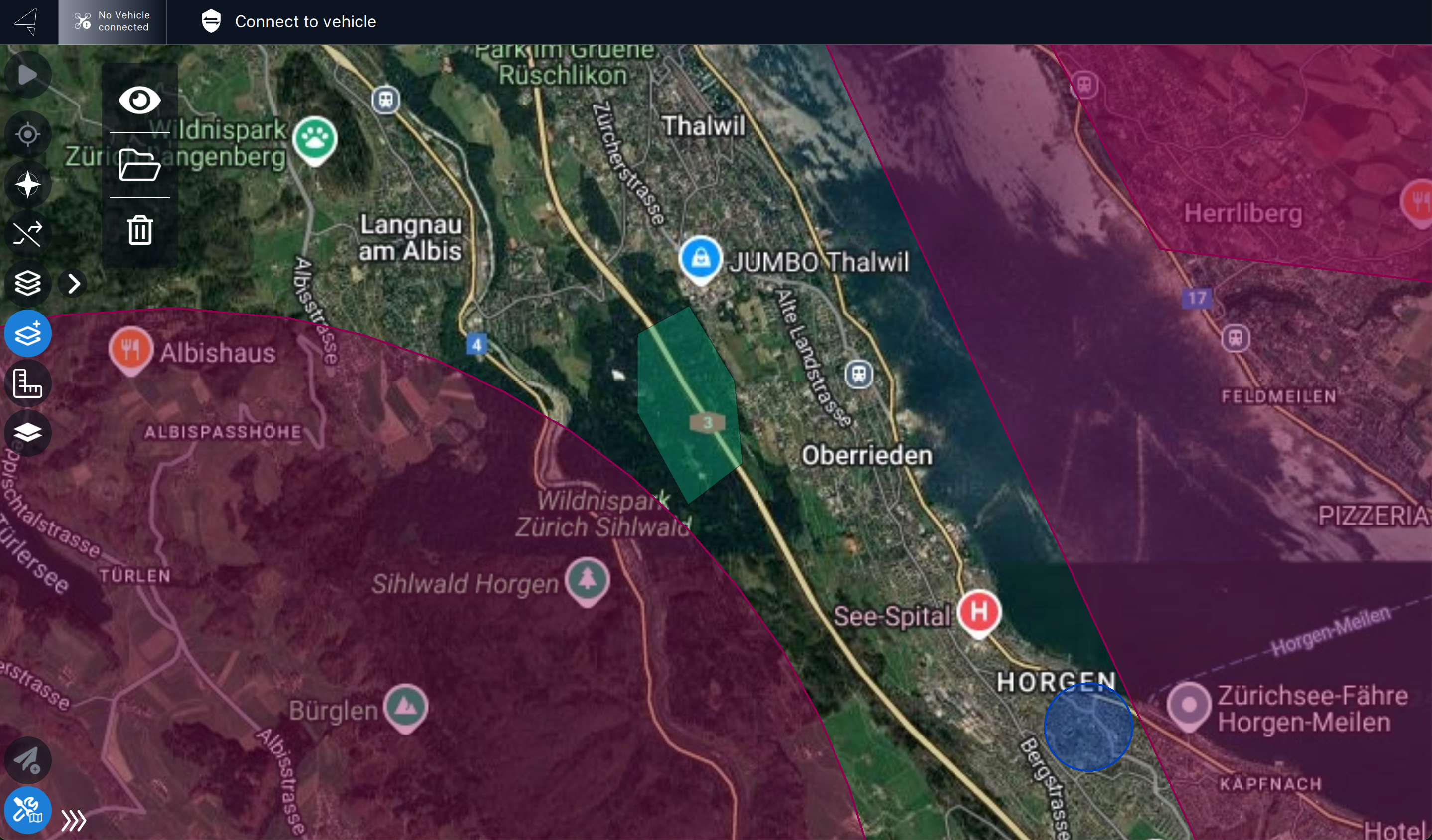
**KML files**: Displayed in green and centered on the map.
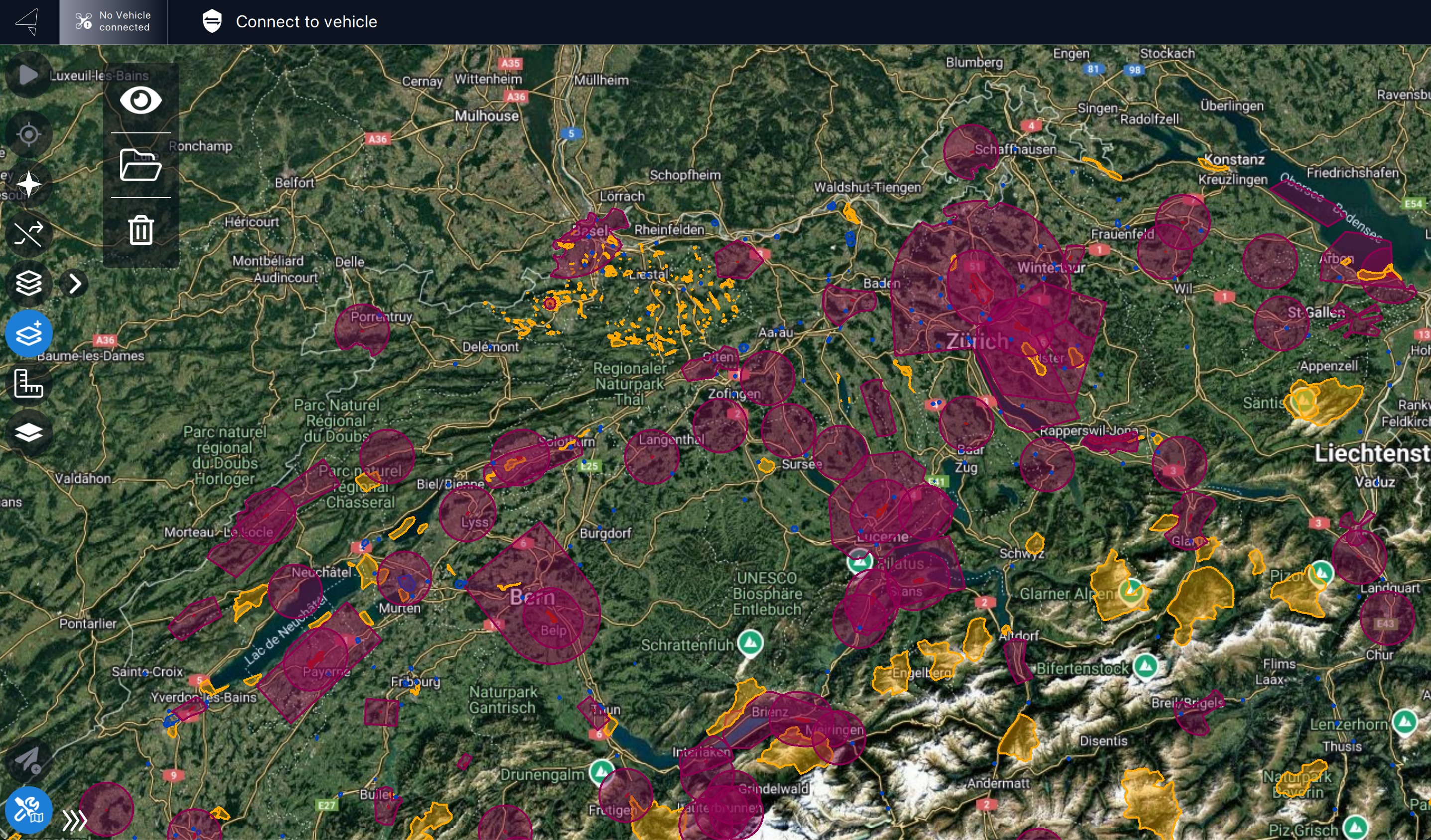
**Geo.json files**: Displayed according to the file’s specified description.
### Managing Files
#### Hide / Show:
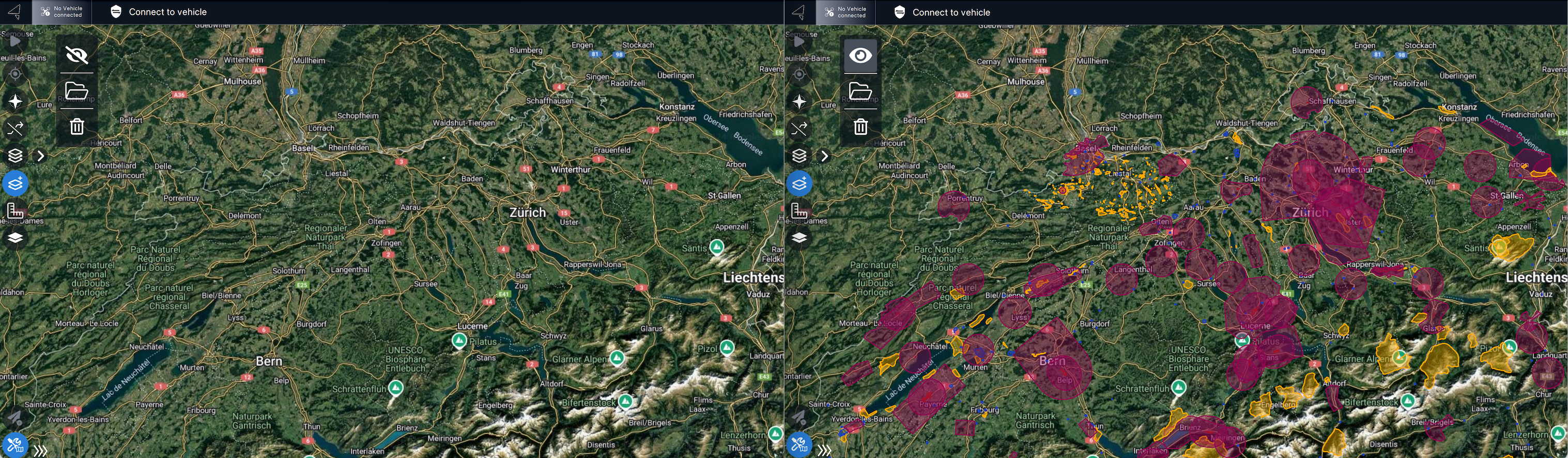
Use the **Eye icon** to toggle the visibility of uploaded .json or .kml files
**Remove:**
Click the **Trash icon** to delete any uploaded .json or .kml files from Auterion Mission Control.
## Using Geo-Awareness and KML Polygon Simultaneously
Auterion Mission Control supports simultaneous overlay of .json and .kml files. For example, this allows you to display flight restrictions alongside designated flying areas.
Discover how to use a KML polygon for a "[Survey Mission](/vehicle-operation/auterion-mission-control/ui-breakdown/plan/plan-tools/survey-patterns/survey.md#notes)".